Guides7 min readNov 4, 2026
Steam Wallet Currency by Country: USD, Tenge and Hryvnia Explained
Steam gives every wallet one currency based on the account's store country. Kazakhstan wallets use tenge, Ukraine wallets use hryvnia, and seven more countries use Steam's CIS U.S. dollar pricing. A dollar top-up is converted only when the wallet is not in dollars.
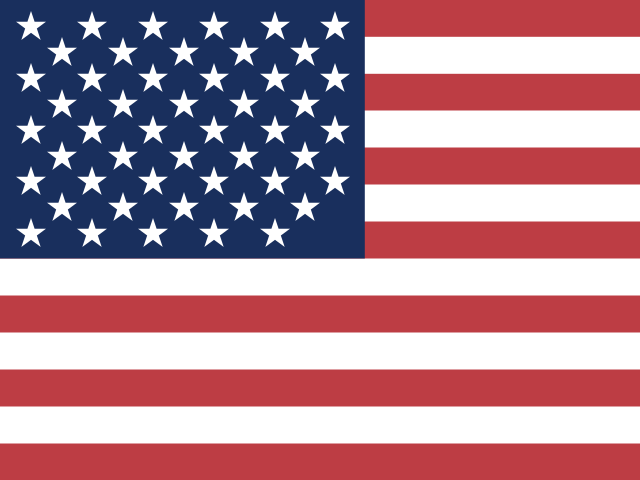
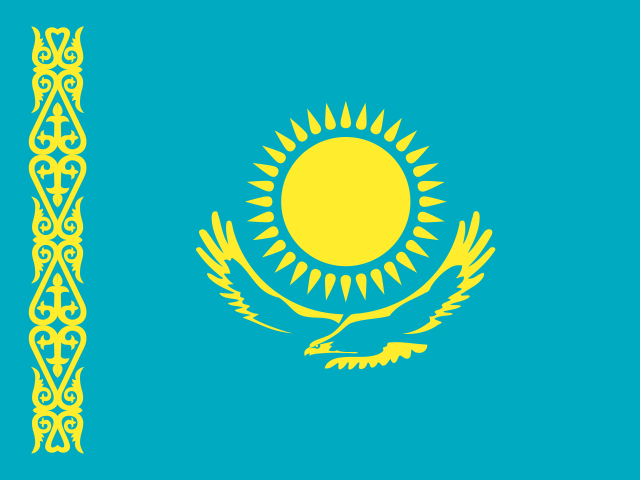
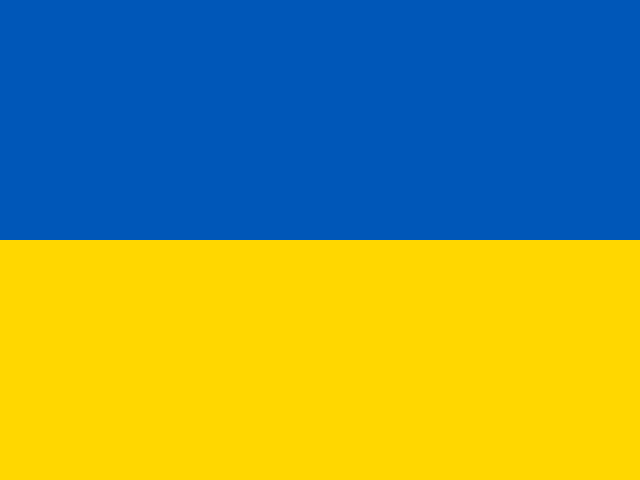
Wallet currency for each supported country
| Country | Wallet currency | What a $10 order shows |
|---|---|---|
| Kazakhstan | Kazakhstani tenge (KZT) | about 4,535 ₸ |
| Ukraine | Ukrainian hryvnia (UAH) | about 457 ₴ |
| Uzbekistan, Kyrgyzstan, Armenia, Azerbaijan, Moldova, Tajikistan, Turkmenistan | U.S. dollar (CIS U.S. dollar pricing) | $10.00 |
Estimates use the rates of November 4, 2026. Steam applies its own rate on arrival, so tenge and hryvnia figures can differ slightly.
The CIS U.S. dollar region
Steam groups several countries into a regional pricing band called CIS U.S. dollar. Stores in these countries show prices in dollars, and wallets hold dollars. For a login top-up this is the simplest case: the order amount and the wallet amount are the same number, with no conversion at all.
How dollars become tenge or hryvnia
For Kazakhstan and Ukraine wallets you still order in dollars. When the funds arrive, Steam converts them into the wallet currency at its own rate. The form shows an estimate with the ≈ sign next to it. To fund a specific game, divide its local price by the rate and add a small margin.
- A 9,990 ₸ game needs about $22.03, so order $23.
- A 1,249 ₴ game needs about $27.33, so order $28.
How Steam sets the wallet currency
Steam sets the store country from where the account is used and fixes the wallet currency with the first purchase or top-up. A wallet that already holds money keeps its currency. That is why a new account should open the store once from its home country before the first top-up, and why the first top-up can be small.
A top-up never changes the account region. We do not choose or change regions, and we do not give instructions for it: the Steam Subscriber Agreement does not allow hiding your real location.
Check your wallet currency in ten seconds
- Open Steam and look at the balance next to your profile name.
- ₸ means tenge, ₴ means hryvnia, $ means dollars.
- Open Account details to see the store country on the same page.
Ready to add money? Open the Steam top-up form, enter the login and the amount, and see the price before you pay. Answers about orders and credit are on the FAQ page.
Tags:steam currencysteam regionkztuahcis usd